Add-on Modules Installation and Registration
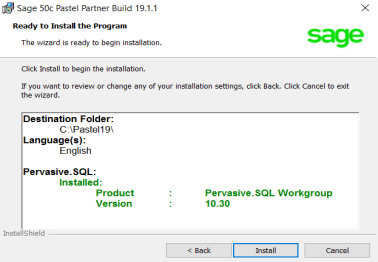
Sage Intelligence, Point of Sale and Debtors Manager modules must be installed to access them on Sage 50cloud Pastel Accounting.
You need to purchase add-on modules as these are not available on the Base package of Pastel Partner.
If you have not purchased the module, click here to contact our Sales Team. After you have purchased the module, you need to add the additional module number to your Base serial number and re-register Pastel to activate the module.
Click each module for steps on how to install.
Sage Intelligence
Pastel Point of Sale Access Version
Pastel Point of Sale SQL Version
Pastel Debtors Manager Access Version
Pastel Debtors Manager SQL Version
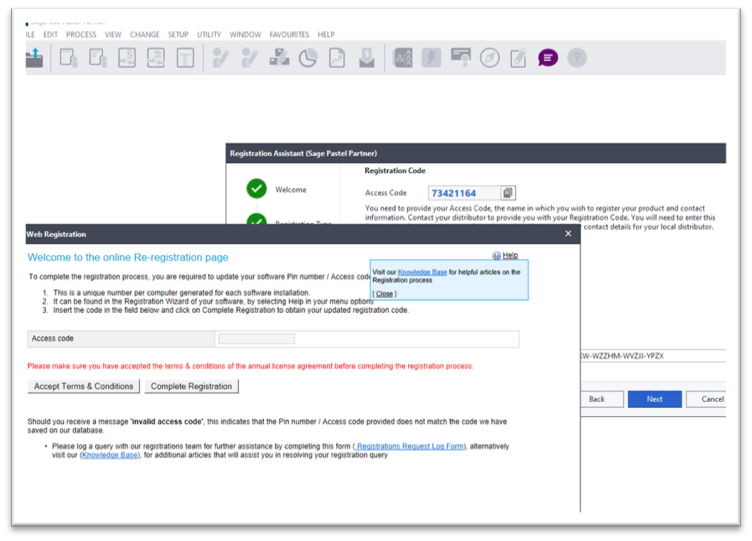
Once you have obtained the serial number for the add-on module, you can register the module on the server as per the steps below.
 NOTE: If you are licensed for a single user, you need to follow the steps as below on your machine only.
- Click Help… Register your Package.
- Click Next.
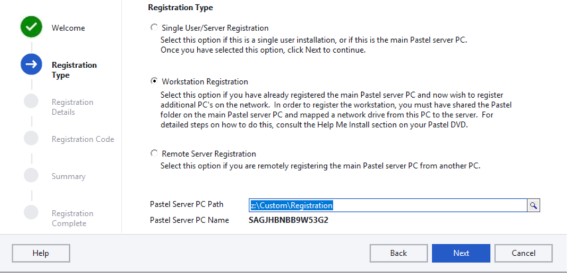
- On the following screen, select Single User/Server Registration.
- Click Next.
- On the following screen, make sure Register Online is ticked.
- In the registered name field.
- Click Next.
- A small screen will pop up.
- Enter the serial number for the add-on module in the Add Module Box and click the Add Module button.
 TIP:
TIP:
To view your module serial numbers, refer to your invoice. - Click the Complete Registration button.
- The system will return you to the Registration Assistant.
- Click Next until the last screen of the Registration Assistant.
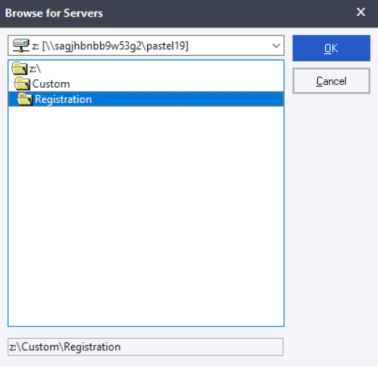
- Once completed, re-register Pastel on the workstation.
Refer to topic 3 for steps to register workstations.