

Summary
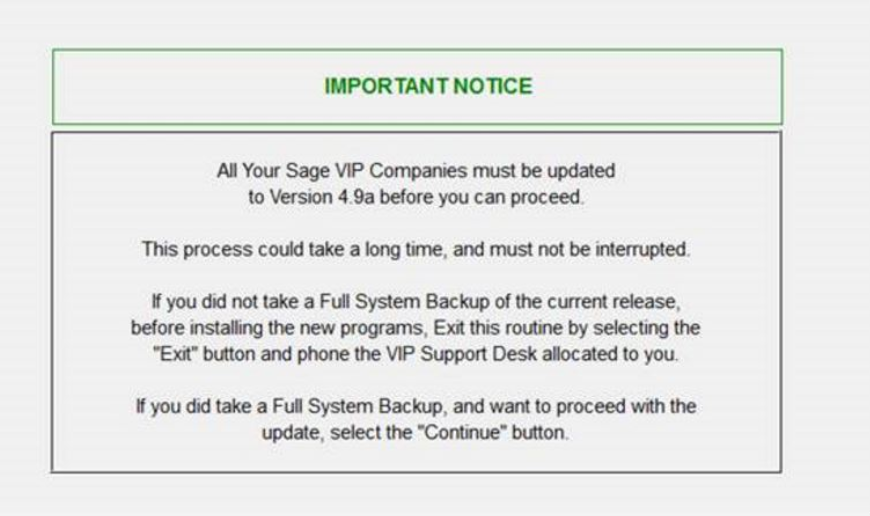
This article will assist to resolve the system error "All your Sage VIP Companies must be updated to Version X.Xy before you can proceed" for Sage 200 Premier and Classic
Description
You have updated your system to the current version previously and has been working correctly, however the system is now requesting to be updated again.
When you click on "Update", the is not responding.
Example:
Cause
The message indicates that the system program is on a current version, and it reads the data to be in a lower version not compatible with the current version.
This problem normally occurs in a server environment,where the issue could be caused by network communication issues between workstation and server.
Resolution
- The system prompts you to update all companies, but no update was loaded recently and no backup was restored. It could indicate that some data was corrupted
- If you continue to update all companies, the system is not responding
- The issue can be corrected by rebuilding the system data
- To check which company is corrupted, you can use the command vutil.exe -c vpcnt???.pay
- You can rebuild the one company that is corrupted with the command vutil.exe -r -a VP???xxx.pay, where xxx denotes the company number
- In order to rebuild all the data in the system folder, use the command vutil.exe -r -a * .pay in command prompt
- Take note, that should you have many companies or data, the rebuild process can take very long
- Once the rebuild is complete, access the system to confirm the rebuild resolved the issue
Should the issue persist, this indicates an underlying issue on the network, and the File/Status error 98 checks should be used by the your IT/technical team to determine which workstation is causing the error to persist
 Africa
 Asia
 Australia
 Canada
 France
 Ireland
 Kenya
 Nigeria
 Portugal
 Spain
 United Arab Emirates
 United Kingdom
 United States
 Germany