Create a new Sage account
Summary
Steps to create a new Sage account
Resolution
- Click Log in.
- Enter your email address, then select Continue.
The system validates if a Sage account already exists with your email address.
The screen below appears if there's no existing account: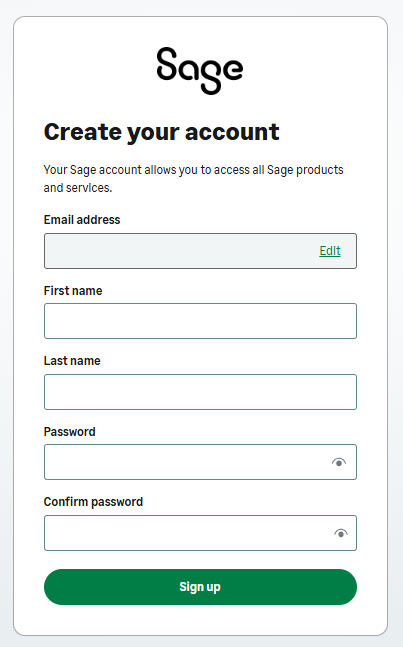
- Complete the information, including the password.
- Select Sign up.
- You'll receive a verification code per email.
Enter the verification code, then click Continue to validate your email address. - Complete your 2-factor authentication preference.
- Save your recovery code in a safe location.
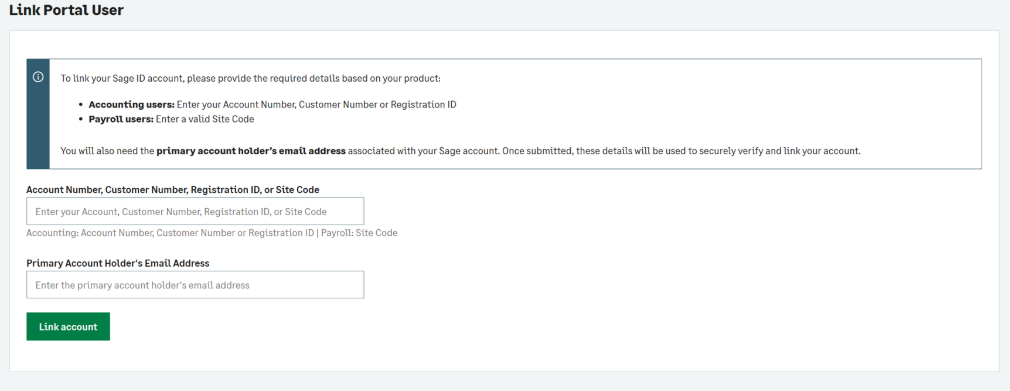
- Should you log in and receive the message below, you'll need to contact your Sage Portal administrator for assistance.
Solution Properties
- Solution ID
- 260928091302143
- Last Modified Date
- Tue Sep 29 09:50:16 UTC 2026
- Views
- 0