Prerequisites for integrating Sage 300 People and ERP
Summary
The system requirements and setup rules for integrating Sage 300 People with Sage 300 Enterprise Resource Planning (ERP).
Description
To integrate Sage 300 People with Sage 300cloud ERP, both applications must meet specific technical and security requirements. Incorrect setup can cause validation failures, including Object Reference Errors (ORE).
Password complexity settings and user credentials can also affect integration. Sage 300 People does not currently support complex passwords introduced in Product Update three (PU3) of Sage 300cloud. Customers planning integration should review their environment before upgrading.
Resolution
Verify installation requirements
- Install Sage 300 People and Sage 300cloud ERP on the same server.
- Do not install the applications on separate servers.
- Run all related applications as Administrator.
- Install a full and valid version of Microsoft Excel.
- Check Windows regional settings and ensure they match system requirements.
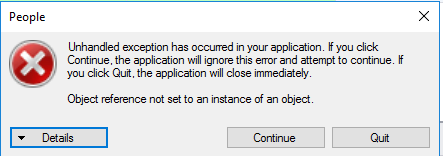
Confirm integration settings
- If the source code in ERP is GL‑PS or GL‑JE, enter only PS or JE in the General Ledger export details in Sage 300 People.
- Ensure ERP login credentials exactly match the GLDBLink credentials.
- Credentials are case sensitive.
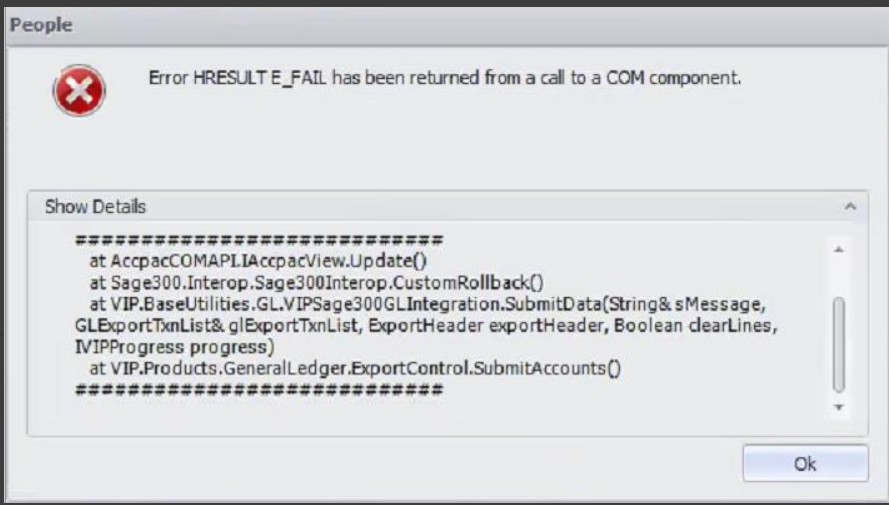
To disable complex passwords in Sage 300cloud:
- Navigate to Security.
- Clear Require complex passwords.

Solution Properties
- Solution ID
- 220421065615003
- Last Modified Date
- Wed Jan 28 09:34:57 UTC 2026
- Views
- 0