Asset Locations
Summary
How to create and add Asset Location in Sage Accounting
Description
Creating or adding Asset Locations
Resolution
To create your Asset Locations, click on Company menu…Assets…Asset Location.

Click on the Add Location button.

Enter a description of the Location in the Description field.
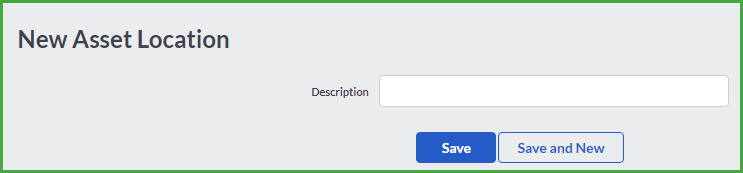
Click Save once complete.
Click on Save or Save and New buttons to save the newly added location and/or create another one.
Accounting allows you to import all the assets in your company.
Solution Properties
- Solution ID
- 200408165128837
- Last Modified Date
- Wed Apr 20 11:17:05 UTC 2022
- Views
- 0