

Summary
Learn how to resolve the ‘Importation Split is Active! Prices must be entered Exclusively.’ message on the GRV or Supplier Invoice (SINV) screen, in Sage 200 Evolution.
Description
This article discusses how to fix the following error,

when attempting to change the Price Entry to the option below and then clicking the OK button on the Goods Received Voucher Options screen, as seen below
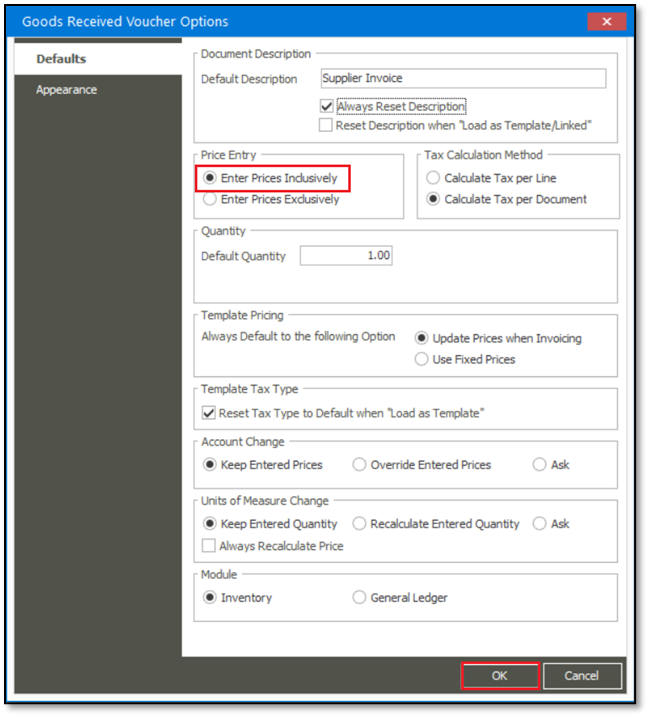
Resolution
Consider the following advice to resolve the above error:
In this case, the ‘Importation Split’ option is selected as you also need to capture additional costs by opening the Split Allocation button below,

As per the design of Evolution, the following is therefore forced when using the Importation Split feature:
Prices captured on:
- the transaction lines of the main GRV/SINV screen, and
- transaction lines of the Importation Split screen,
can only be captured using the Price Exclusive Tax method.
 Africa
 Asia
Asia Australia
 Canada
 France
 Ireland
 Kenya
Kenya Nigeria
 Portugal
 Spain
Spain United Arab Emirates
 United Kingdom
 United States
 Germany